
Key Fob vs Key Card vs Keypad vs Mobile Entry A Buyer’s Guide
Key Fob vs Key Card vs Keypad vs Mobile Entry A Buyer’s Guide
Choosing the right access control system is no minor decision—especially for anyone responsible for a property’s safety and smooth operation. This guide explores the differences between key fob, key card, keypad, and mobile entry solutions in simple, actionable terms. We’ll break down all the options so that facilities managers, security leaders, and business owners can sidestep confusion and invest smartly. From technology details and cost breakdowns, to use cases and future trends, we cover every angle to take the guesswork out of modern access control—right here in the U.S.
Whether you’re overseeing a high-rise, a healthcare facility, a gym, or an apartment complex, this guide is built to help you compare, plan, and buy with confidence. Our goal? Help you stop worrying about keys and start thinking about what really matters: safe, smooth, and scalable access for everyone on your property.
Understanding Entry System Technologies for Access Control
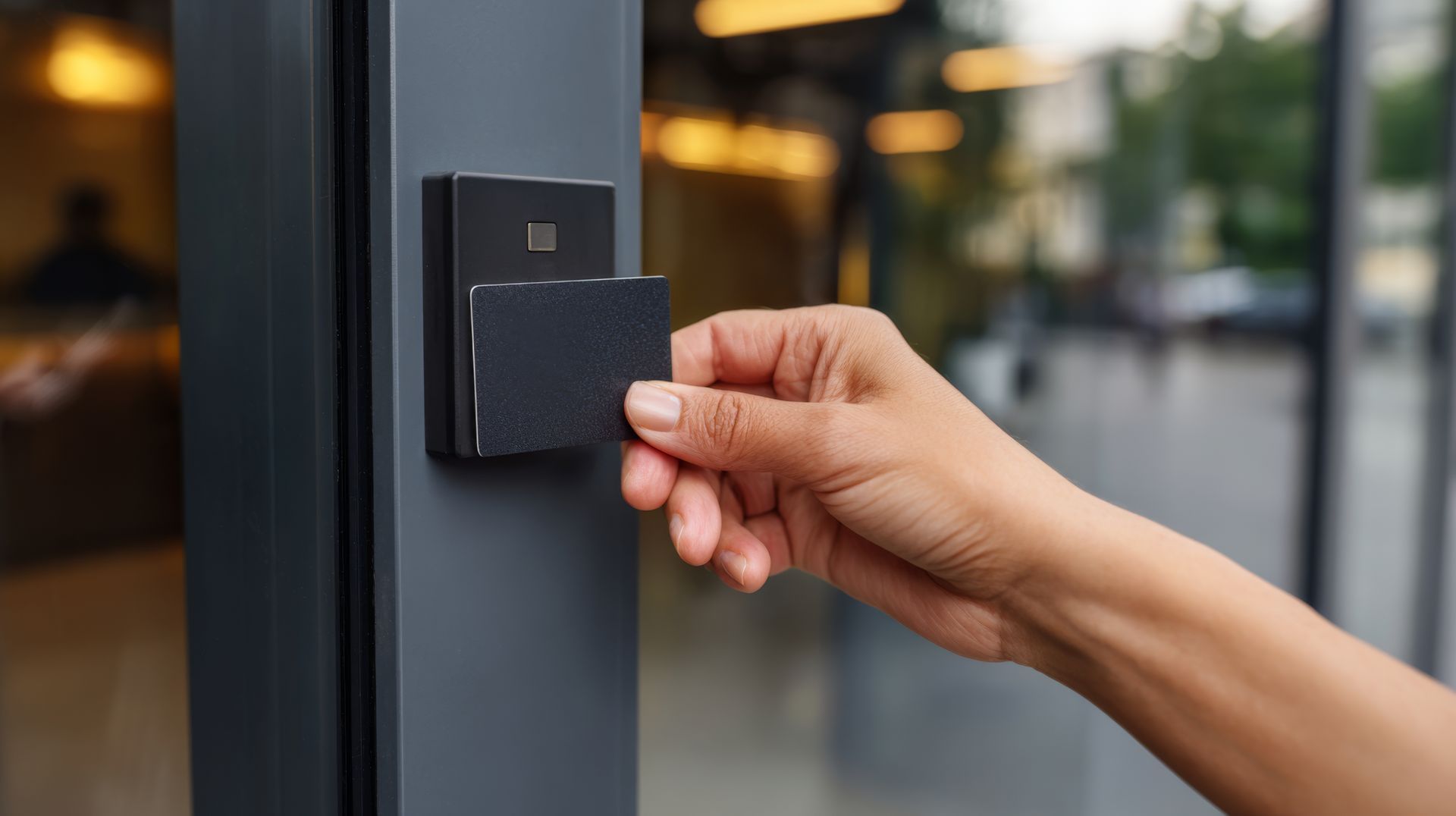
Modern access control goes far beyond a simple key in a lock. Today, we have a variety of electronic entry systems—each powered by its own set of technologies. What’s behind a key fob, a card, a keypad, or mobile access might seem mysterious, but understanding the basics is pivotal for picking the right solution and troubleshooting down the line.
Each method uses a specific technology to identify who gets in and who’s left holding the door. You’ll hear terms like RFID, Wiegand, PIN authentication, and Bluetooth/NFC tossed around. These aren’t just buzzwords—they represent the core tools that let credentials communicate with doors and readers in real time. Hardware design, signal range, and even how data gets stored all come into play here.
This section provides a road map, introducing these essential concepts. We’ll help you decode how the workflow unfolds—starting from when a credential is presented to a reader, right up to the magic moment a door unlocks. Hold tight: the deep dives into fobs, cards, pads, and mobile tech are just ahead, clarifying what makes each system tick.
How Fob Entry Systems Work With RFID Technology
Key fob entry systems rely on radio frequency identification (RFID) to grant access. Most commercial setups use proximity fobs—usually operating at 125kHz. When a user waves or taps their fob at a door’s proximity reader, the fob sends a unique ID number via a wireless signal. The reader checks this ID with its database, granting entry if there’s a match.
This RFID process is quick and contactless, which is why proximity fobs have become popular in offices, residential towers, and parking garages. Low frequency RFID, like 125kHz, is widely adopted due to affordability and simple installation, though higher frequencies are available for advanced security. Fobs can be attached to keychains, making everyday use seamless for authorized staff or residents.
Types of Card Entry Systems Including Swipe, Proximity, and Wiegand
- Magnetic Swipe Cards:Also called magstripe cards, these feature a magnetic strip that stores a user’s ID data. To enter, users swipe the card through a slot in the magnetic card reader. The reader decodes the strip, passes the data to the control system, and permits entry if credentials match. Swipe cards are affordable and simple, but the magnetic strip wears out over time and can be vulnerable to skimming or demagnetization.
- Proximity (RF) Cards:Proximity cards use either 125kHz low-frequency or 13.56MHz high-frequency RFID technology. Instead of swiping, users tap or wave the card near a proximity reader. The card transmits its embedded ID via short-range radio waves. These cards last longer than magstripes and don’t require direct contact, making them well-suited for high-traffic entrances or outdoor use. Security is improved, but basic prox cards are still susceptible to cloning if not encrypted.
- Wiegand Cards:Wiegand technology cards have wires embedded inside the plastic to create a fixed binary code. When passed through a compatible reader, the magnetic field reads the wires’ pattern to identify the credential. Wiegand cards are known for their long lifespan and resistance to traditional skimming, though they’re less common today than proximity or smart cards. They’re still used in some legacy or high-assurance environments due to their durability and non-clonability.
Each card type comes with trade-offs in lifespan, cost, reader compatibility, and security. Property managers should weigh daily usage levels and environmental demands when selecting the best card solution for their facility.
Keypad Access Pads and PIN-Based Entry Explained
Keypad entry systems use a series of digits—a PIN—to unlock doors, rather than a physical token like a card or fob. Users enter their assigned PIN code on a pad mounted by the door; if the code matches what’s stored in the access controller, entry is granted. No physical credential means nothing to lose or misplace, making keypads simple and low-maintenance.
PIN codes can be individually assigned and updated as needed. However, sharing codes (or forgetting them) is common, and frequent use can wear down buttons, revealing popular PINs over time. Keypads often appear alongside other systems as part of hybrid access setups, providing a backup entry option or temporary codes for guests or vendors.
Mobile Entry and NFC Bluetooth Fob Systems
Mobile entry systems turn smartphones into secure credentials using either NFC (Near Field Communication), Bluetooth Low Energy (BLE), or dedicated apps. With NFC, a user taps their phone to a compatible reader—similar to contactless payments—to unlock the door. Bluetooth readers let users access doors from a short distance without even removing their phone from their pocket, depending on app settings.
These solutions work across most modern iOS and Android devices, often managed via cloud-based software. This makes it easy for property managers to issue, revoke, or update mobile credentials remotely and instantly. In multifamily properties, residents enjoy app-based guest passes, self-service credential requests, and package management.
Mobile entry’s biggest pros are convenience and robust security—phones support encryption, biometrics, and fast remote deactivation if lost. However, they do rely on adequate Bluetooth/NFC signal, supported devices, and user comfort with smartphones, especially in areas with low signal or tech-averse tenants.
Comparative Analysis of Key Fobs Cards Keypads and Mobile Entry Systems
Now that we’ve set the groundwork on how these different access technologies work, it’s time for some straight talk about where each shines—and where they occasionally fumble. This side-by-side comparison looks at security, ease of use, management headaches (or lack thereof), and real-world durability.
We know buying access control isn’t all about tech specs—it’s also about how the system fits in with your property, your staff, and your bottom line. Our next deep-dive sections break down pros and cons so you can weigh choices like a pro. Whether you’re worried about lost fobs, the cost of rekeying cards, or wondering if mobile entry is really more secure, we’re here to give you clear, practical answers. Real-world examples and experiences will help reinforce what works best for different types of properties and users.
Benefits and Drawbacks of Fob and Card Access Systems
- Benefits:Easy to use and intuitive for almost everyone—just tap, swipe, or wave to get in. No need to remember passcodes or fuss with smartphone apps.
- Physical credentials can be issued, tracked, and disabled one by one—handy for larger staff or multi-tenant buildings.
- Suited for environments with users of different technical abilities. Fobs and cards are especially convenient for the elderly or those who find digital tools overwhelming.
- Durable physical formats—especially modern proximity or Wiegand cards—can last for years, even with heavy use, and some cards/fobs are weather-resistant if properly selected.
- Drawbacks:Lost or stolen fobs/cards pose a security risk until they’re deactivated. Delays in removal can leave a property vulnerable.
- Credential cloning is possible with basic RFID tech—cheap online encoders make it easier for bad actors if systems aren’t upgraded.
- Physical wear and tear is real: cards can demagnetize, fobs get bent, or devices crack, especially in high-traffic or outdoor locations.
- Management can get burdensome—each turnover or lost item requires admin time, record-keeping, and sometimes a fee for replacements.
Property managers and IT leads should balance the direct ease of use against the risk and ongoing admin load—always assess how the technology matches your users and daily workflows.
Security Pitfalls and Enhanced Security Strategies
- Lost or Stolen Credentials:Promptly deactivate lost fobs/cards using the management system to prevent unauthorized access. Delays leave gaps in protection.
- Credential Cloning:Old RFID cards and fobs can be duplicated using inexpensive tools. Upgrade to encrypted smart credentials to stop this threat.
- Poor PIN Management:Shared or unchanged PIN codes on keypads can be guessed or leaked. Enforce regular code updates and limit PIN reuse.
- Layered Security:Combine access methods (like mobile + card, or card + PIN) and enable advanced system logging to catch suspicious activity faster.
Are Mobile Credentials More Secure Than Physical Fobs or Cards
Mobile credentials generally offer enhanced security compared to traditional fobs or cards. App-based credentials are typically encrypted and secured by the user’s phone lock, such as a PIN or biometrics, adding an extra layer of protection. If a phone is lost or stolen, credentials can often be revoked remotely in seconds, minimizing the window for unauthorized access.
Unlike standard RFID cards—which can be cloned—mobile credentials can utilize dynamic keys, two-factor authentication, and require user verification at each use. That said, mobile entry does rely on the security posture of the device itself and on available connectivity. Best practice is combining encrypted mobile credentials with strong admin controls for rapid credential management and device oversight.
Best Use Cases for Access Control Systems in Different Environments
No single access system fits every building or business. From bustling offices to residential high-rises, healthcare corridors to spin studios, the best solution is all about matching your real-world needs with what each technology does best. This section breaks down which systems thrive where, with examples shaped by risk levels, budgets, and user mix.
If you’re squaring up for a new install or thinking about an upgrade, understanding these scenarios will set you on a smarter path. Here, we’ll preview system strengths then dig into commercial, residential, and even home and leisure use cases, all while keeping an eye on operational efficiency and future scalability.
Selecting Entry Systems for Commercial Buildings and Office Spaces
- Scalability and Staff Turnover: Fob and card systems make onboarding and offboarding new employees straightforward—just issue or revoke credentials with minimal disruption.
- Integration Capabilities: Many businesses require their access systems to sync with HR, time-tracking, or visitor management software for streamlined operations and audits.
- Security Flexibility: Advanced commercial systems let admins set custom access levels for different teams or floors, improving overall risk control.
- Future-Proofing: Opt for platforms that can expand or incorporate mobile credentials down the road, protecting your investment as needs grow.
Mobile Access for Apartment Complexes and Multifamily Properties
Mobile access systems—especially in larger apartment complexes and multifamily buildings—are a step above traditional keys or fobs when it comes to convenience and efficiency. Residents use their smartphones as access credentials, so there’s nothing physical to lose, and management can skip the hassle of fob or card replacement.
When a resident loses their phone, admins can deactivate mobile access instantly and issue new credentials remotely. This minimizes risk without the delays or costs tied to physical token replacement. Temporary digital guest passes and delivery management add further flexibility for modern lifestyles.
Cloud-based management tools allow property staff to handle access, onboarding, and even service requests from anywhere. Tenants can self-manage guest credentials, reducing admin workload while keeping access secure and traceable. For new residents, app onboarding is usually simpler than teaching a fob system—tech support is available via cloud dashboards.
In a nutshell, mobile access not only meets current tenant expectations, but also makes life easier for managers juggling hundreds of units and mixed resident demographics.
Best Practices in Healthcare Facilities and High Security Environments
- Biometrics: Fingerprint or iris readers verify a user’s unique identity, preventing shared credentials or unauthorized badge use.
- Audit Trails: Access control platforms log every entry attempt, providing clear records for compliance and incident investigations.
- Multi-Factor Authentication: Combining cards/fobs with PIN codes or biometrics ensures only authorized staff can access sensitive areas—critical in healthcare and high-security sites.
- Regulatory Compliance: Systems should meet HIPAA, FDA, or similar industry standards, helping facilities avoid legal and insurance risks.
- Zone Management: Configure layered permission zones so sensitive departments or storage remain locked down, even when general areas remain accessible to larger staff pools.
Entry System Solutions for Gyms Leisure Facilities and Homes
- PIN-Based Keypads: Simple to install and use—just assign unique codes to each member or family. No fumbling for cards needed.
- Basic Proximity Cards/Fobs: Offer affordable, foolproof entry that lasts for years in moderate-traffic settings like gyms or community pools.
- Quick Installs: Standalone systems with wireless connectivity often mean same-day setup, ideal for homes or smaller businesses.
- Balanced Security: Choose the right level of control for the expected risk—homes and leisure sites may not require the full locking power of advanced commercial solutions.
Cost Installation and Maintenance Considerations
Cost is more than sticker price. As we compare key fobs, cards, keypads, and mobile systems, it’s crucial to weigh everything—upfront hardware, ongoing software subscriptions, credential replacements, and the often-hidden labor tied to managing the system. Maintenance, upgrades, and training costs can sneak up, so mapping them early pays off.
An efficient installation and rollout requires planning: picking the right system for your building, coordinating with trusted vendors, and getting your team or tenants trained. The best access control system won’t deliver savings or security if it causes confusion or is impossible to maintain. The next sections will detail where your dollar goes, and how to launch your system with minimal growing pains.
How Much Does It Cost to Install and Maintain Entry Systems
- Initial Installation Costs:Keypads: Generally lowest hardware costs; standalone units for homes or gyms may run $150–$400 per door.
- Fob/Card Systems: Expect $500–$1,500 per door, including reader, controller, and initial credential set. Bulk orders can reduce per-unit key/fob costs.
- Mobile Entry: Cloud-managed systems average $1,000–$2,500+ per door, including setup, reader, and software fees.
- Recurring Service & Overhead:Fobs/Cards: Replacements for lost items typically cost $5–$25 each, plus admin time for assignment and revocation.
- Cloud Platform Fees: Mobile and smart systems often require annual or monthly SaaS fees, ranging from $10–$50 per door/month, covering updates and remote support.
- Maintenance: All systems require regular checks, but physical reader/keypad wear or software updates can add more service hours for heavier-use setups.
- Where Savings Add Up:Mobile entry and automated credential management can drastically cut overhead in large, multifamily or office settings, reducing time and expense tied to physical credential distribution and loss.
- Energy-efficient, connected systems can reduce admin labor and offer data analytics—which can optimize both space use and energy costs over time.
Planning Installation and Training Staff for Seamless Adoption
- Choose the Right Vendor: Go for reputable providers with proven integration and 24/7 support—avoid “cheapest available” for mission-critical sites.
- Coordinate Onsite and Remote Rollouts: Stagger installation by building, floor, or department to avoid full outages or confusion.
- Train Admins and Users: Use simple guides and walkthroughs—tailor material based on technical literacy of your staff or residents.
- Prepare for Troubleshooting: Quick-reference troubleshooting guides, especially for mobile and software issues, help avoid panic or downtime.
- Communicate Early and Often: Set clear expectations for access changes so no one’s surprised or locked out after “Day 1.”
Comparing Leading Access Control Brands and Systems
The access control marketplace is busy, with both new cloud-first disruptors and tried-and-true legacy giants. Whether your top priority is remote management, advanced integrations, or military-grade reliability, picking a brand that aligns with your operational needs is key.
This section previews what sets today’s top providers apart—such as mobile app features, scalable management, and support for larger, distributed portfolios. You’ll get a sense of which companies lead the way in cloud innovation, and which offer the ironclad integration and enterprise tools older properties and complex organizations rely on. Let’s set the stage for comparing their strengths and ideal applications.
Highlights of Leading Cloud-Based Access Control Platforms
- Kisi:Offers a robust, scalable cloud system with easy mobile credentialing, strong app integration, and real-time remote management. Ideal for offices and multifamily.
- Brivo:Cloud-first access platform popular for distributed properties and tenant experience. Flexible API helps integrations with visitor management and building automation.
- Swiftlane:Noted for advanced facial recognition, video intercoms, and seamless mobile access—great for modern, security-conscious buildings.
- CDVI:Features a mix of wireless and wired cloud solutions for different environments. User-friendly for admins and suited to medium to large deployments.
Enterprise-Grade and Legacy Access Control System Providers
- Honeywell Pro-Watch:Highly secure and reliable, Honeywell’s Pro-Watch integrates deeply with alarm, video, and building management systems, making it a favorite for critical infrastructure and large campuses.
- Lenel-S2:Known for extreme scalability and tight integration with security and property management. Often chosen by enterprise and government sectors that can't afford downtime.
- Genetec:A leader in unified security, Genetec offers end-to-end solutions for video, access, and analytics—strong on open architecture and supporting custom integrations.
- Salto/Kantech/Paxton/Avigilon/HID Global:These brands provide a mix of modular legacy and smart solutions, with decades of reliability. They shine in environments requiring ongoing support for legacy cards/fobs but with paths to upgrade as needed.
Emerging Trends and Advanced Access Control Features
The world of access control is always moving. We’re seeing a surge in smart fobs, biometric features, and slick mobile integrations that offer both tighter security and friendlier user experiences. For decision-makers, these innovations aren’t just hype—they can future-proof your investment, ease oversight, and open doors (literally and figuratively) for streamlined visitor management and analytics.
This section highlights what’s coming down the pike—from face unlock to app-based entry—and how these trends might shape your property management, compliance, or guest tracking over the next few years. Let’s peek behind the curtain at how security is getting smarter, faster, and more connected to our buildings’ brains every year.
How Smart Fobs Biometrics and Multi-Factor Authentication Enhance Security
- Smart Fobs:Pack stronger security features like rolling codes, encrypted data, and even programmable expiration—far harder to clone than basic RFID fobs.
- Biometric Fobs and Readers:Require a fingerprint or face scan, stopping unauthorized access even if credentials are lost or stolen. Especially important for sensitive or compliance-heavy environments.
- Multi-Factor Authentication (MFA):Combines two or more credentials (like card + PIN, or phone + biometric), raising the bar for access and limiting breach risk if one factor is compromised.
- Scalable Integration:Enterprise platforms now let organizations layer features as threats evolve, keeping systems agile and future-proof.
Face Unlock and Mobile App Integration for Modern Access Control
- Face Unlock:Streamlines entry and prevents credential sharing by verifying a user’s live identity at the door. Ideal for sites needing high throughput and ironclad security—like corporate HQs or healthcare corridors.
- Mobile App Integration:Lets users unlock doors, manage guests, and control access settings from their phones, eliminating the need for physical credentials and admin intervention.
- Real-Time Tracking and Analytics:Tracks who enters, when, and where—powerful for occupancy tracking, timekeeping, and regulatory reporting.
- Modernized Visitor Management:Apps generate instant guest passes and temporary access, automating visitor sign-in and reducing bottlenecks at reception.
Final Recommendations and Buyer’s Checklist
We’ve unpacked the key technologies, pros and cons, operational headaches, and future trends of today’s access control world. It’s decision time: By now you should have a good sense of how fobs, cards, keypads, and mobile entry stack up for your specific site and staff. This section boils it all down—all the main takeaways, action steps, and the most frequent questions we hear from buyers just like you.
Our final checklists and guidance help you focus on matchups for your building type, risk tolerance, and management style. We finish with a clear, step-by-step approach to comparing your options—so nothing important slips through the cracks when it’s time to buy, roll out, or upgrade your access control.
Key Takeaways and Credential Selection Guide for Building Security
- Key Fobs:Excellent in commercial, multifamily, and parking settings with high turnover. Simple for users, but admin must stay on top of lost fobs and potential cloning threats.
- Key Cards:Great for large corporate environments where tracking entry is key. Choose encrypted smart cards for sites concerned about skimming or heavy weather exposure.
- Keypads:Best for small offices, gyms, or homes where simplicity trumps security. Cheap and quick to install but consider risk if codes don’t change often.
- Mobile Entry:Future-focused and highly scalable. Perfect for apartments, offices with BYOD policies, and environments looking to cut admin time and boost user satisfaction.
- Decision Prompts:Ask yourself: What’s my risk level? What’s my user’s tech comfort? Who’s handling admin? Start with these, then match to the credential above for a smart first shortlist.
FAQs About Access Systems and Mobile Credentials - What happens if a resident loses their phone with mobile access?
Admins can instantly disable the lost phone’s access via the management dashboard and send a new credential to a replacement device. This is often much faster and less expensive than replacing a fob or card. - Can one fob or card unlock multiple doors?
Yes—most systems allow credentials to be programmed for multiple access points or zones. Great for staff needing access to shared storage, offices, or amenities. - How reliable is mobile access in basement or concrete-heavy buildings?
Bluetooth and NFC readers can sometimes struggle with signal interference in thick concrete areas. Consider hybrid systems (mobile plus backup keypad or fob) for critical entrances, and always test connectivity before rollout. - What if a card or fob is stolen or cloned?
Deactivation is key—remove the credential from the system at once. For cloned cards, consider upgrading to encrypted credentials or adding a secondary layer such as PIN entry. Emergency lockdown features add extra protection in urgent situations. - How do these systems integrate with visitor management or other smart building tools?Modern cloud platforms can link with HR, time-tracking, and visitor management software, offering automated guest entry, occupancy reporting, or even lighting and HVAC control. Choosing open, integrable systems delivers real long-term efficiency and insight.
- Are these systems ADA compliant and accessible?
Most leading systems offer keypad heights, app accessibility features, and fob/card formats suitable for users with physical or cognitive disabilities. Always verify with your vendor that solutions meet ADA or other regional standards before rollout.
Centex Systems